Super Zombie Siege Defense Controls
PC, mobile, and console bindings plus titan movement limits and sword or shield ability tips.
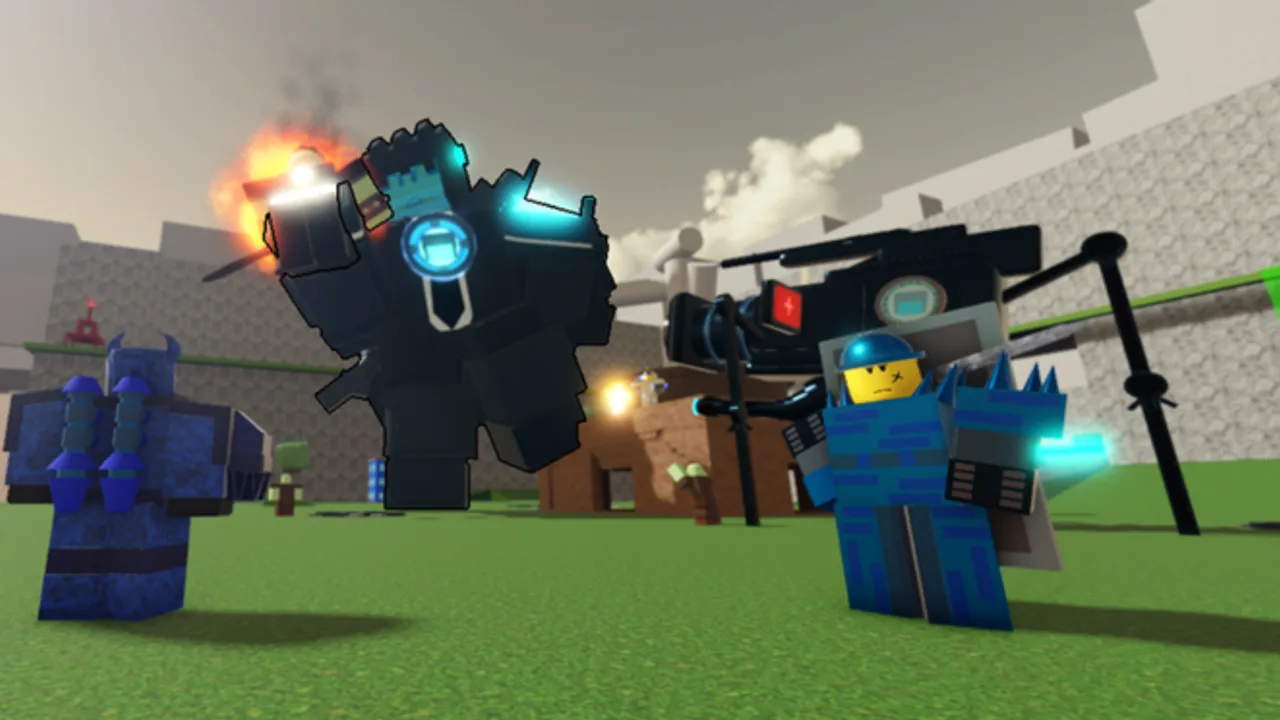
Mastering controls in Super Zombie Siege Defense (SZSD) matters as much as your fighter pick. Waves punish delayed slides, mistimed flight, and titans played like light scouts. This page lists official-style bindings for PC, mobile, and console, then explains titan movement limits, shift-lock habits, and combat tips for kits that use E for sword or shield abilities. Pair it with Getting Started if you are brand new, and with fighter research on the fighter tier list and players hub when you choose a main.
SZSD is still in testing phases under Super Zombie Studios / Piggy645656. Input prompts can move slightly after patches, but the core verbs stay the same: sprint, slide, shift-lock, and flight, with titans blocked from some mobility tools.
PC controls
| Action | Input |
|---|---|
| Sprint | Hold Left Shift |
| Slide | Hold C |
| Shift-lock | Left Control |
| Flight | Space, then Space again while airborne (not always available) |
PC players should keep fingers ready for Shift and C together during dense waves. Sprint into space, then slide to break tracking from aggressive zombies. Shift-lock helps when you need consistent facing for aimed abilities or to keep a boss centered while strafing on high ground. Flight is a second Space press after you are already airborne—treat it as a reposition tool, not a permanent jetpack. Some fighters simply will not flight on demand; if nothing happens, you are either grounded, on cooldown, or on a kit that lacks the tool.
Practice a short PC warm-up in the lobby or early Easy waves:
- Sprint in a straight line, release, sprint again without stopping movement.
- Sprint into a slide and immediately correct camera with shift-lock.
- Jump, then tap Space again only after you are clearly airborne to test flight.
- Equip a sword or shield style kit and test whether E is tap or hold.
Mobile controls
| Action | Input |
|---|---|
| Sprint | On-screen Sprint button |
| Slide | On-screen Slide button |
| Shift-lock | On-screen Shift button |
| Flight | Tap FLY |
Mobile SZSD is won by thumb discipline. Do not bury Sprint under your attack finger. Place your hands so Slide remains reachable when a titan-sized zombie closes distance. Shift-lock on mobile is easy to forget; toggle it when you need stable facing for focused DPS, then toggle off if free camera helps you spot flank spawns. FLY is a deliberate tap—spam tapping while grounded wastes attention. If your device is small, lower graphics slightly so input lag does not eat slides.
Mobile solos especially benefit from high ground habits later used in Hidden Mode and Medium clears: climb, lock facing, dump abilities, reposition with FLY only when the floor becomes unsafe.
Console controls
| Action | Input |
|---|---|
| Sprint | Hold L2 |
| Slide | Press Circle / B |
| Shift-lock | Click L3 |
| Flight | Press A, then A again while airborne (not always available) |
Console players should bind muscle memory around L2 as a default combat stance. Many deaths happen when players walk at base speed through elite packs because L2 was released during camera adjustments. Circle/B slide is your panic button for breaking grab ranges and dodging telegraphs. L3 shift-lock clicks are easy to miss under stress—practice toggling in lobby until it is reflex. Flight on A → A mirrors PC’s double Space rule: first jump, second press only once airborne.
If you share a controller with other Roblox games, note that SZSD’s slide and shift-lock may differ from your usual shooter layout. Spend one Easy run with zero cosmetic distractions just mapping these four verbs.
Titan movement limits (critical)
Titans are unable to sprint or slide, and some other fighters share that restriction. This is not a bug. Large kits trade mobility for health and damage. If you main a titan, your “dodge” becomes pre-positioning, jump timing, flight where available, and knowing when to hold space instead of chasing every stray zombie.
Titan-friendly habits:
- Arrive early to chokepoints instead of sprinting late.
- Use elevation and railings that lighter fighters would ignore.
- Save flight for repositioning after a slam or when the pack surrounds you.
- Accept that kite patterns from Speedy light fighters will not copy-paste onto Titan Fighter trait builds.
This limit also changes trait value. A Speedy trait on a non-sprinting titan feels weaker than True Tank or Titan Fighter style health stacks. See the Traits guide before rerolling mobility traits onto giant kits.
Shift-lock, camera, and wave reading
Shift-lock is more than a preference toggle. Locked facing helps:
- Keep sword arcs lined up on dense packs.
- Track a boss while strafing without spin-outs.
- Hold a lane edge so you notice new spawn portals sooner.
Turn it off when you need free look to find levers, high ground, or allies during Hidden Mode setups. Good players toggle intentionally instead of leaving one mode forever.
Combat tips: sword, shield, and E abilities
Developer commentary and community kits point to sword or shield abilities using hold or press E. Always test your current fighter in a safe space:
- Tap E once and watch for a quick slash, bash, or buff.
- Hold E to see if a charged guard, continuous swing, or stance appears.
- Cancel early if a hold animation locks you into a lethal telegraph.
Combine E tools with slide (on eligible fighters) so you enter range already committed to an angle. On titans without slide, walk into range with shift-lock on, fire E, then use jump or flight to leave the blast radius of enemy AoE.
Ability discipline beats button mashing. On Easy and Medium, save big E moments for elites and bosses rather than every trash zombie. That pacing is the same mindset used in the Beat Medium Speaker strategies.
Platform-specific troubleshooting
- Sprint does nothing on a titan — expected; switch tactics, do not spam Shift/L2/Sprint.
- Flight fails — you may be grounded, on cooldown, or on a kit without flight.
- Slide feels sticky on mobile — lift the move stick slightly when hitting Slide so the game registers the action cleanly.
- Shift-lock drift on console — re-click L3; vibration and camera shake can hide the toggle state.
- E does nothing — wrong tool equipped, ability on cooldown, or kit uses a different key—reopen the fighter’s move list.
Practice plan tied to progression
- Warm up controls for two minutes every session.
- Clear Easy while only focusing on never missing a needed slide or flight.
- Attempt Medium with the same control focus using tips from Beat Medium Mode.
- When you unlock heavier titans or Compound kits, retrain without sprint/slide assumptions via Cyber Compound Titan.
- For Hidden Mode solos, practice high-ground shift-lock holds before badge hunting.
Related pages
- Getting Started — first fighter and Points plan.
- Traits — mobility versus tank trait choices.
- Beat Medium Mode — apply controls under real pressure.
- Tier List / Players — pick kits that match your input skill.
Clean inputs make average fighters look expensive. Expensive fighters with sloppy inputs still die on Medium. Learn the tables above before you spend Robux.
Frequently Asked Questions
Quick answers about fighters, codes, traits, and siege modes.
What are the PC controls for Super Zombie Siege Defense?
Sprint is Left Shift, Slide is hold C, Shift-lock is Left Control, and Flight is Space then Space again while airborne. Titans generally cannot sprint or slide.
How do mobile and console controls work?
Mobile uses on-screen Sprint, Slide, Shift, and FLY buttons. Console uses L2 to sprint, Circle/B to slide, L3 for shift-lock, and A then A while airborne for flight.
Why can’t my titan sprint or slide?
Titans are unable to sprint or slide by design. Play around pre-positioning, jump, flight if available, and tankier traits instead of light-fighter kite habits.
How do sword or shield abilities work?
Many sword/shield kits use hold or press E. Test tap versus hold in a safe area, then combine with shift-lock and (when allowed) slides for safer engages.